Put your phone to work as a Samsung TV remote
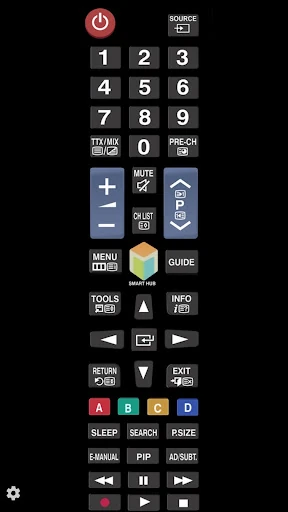
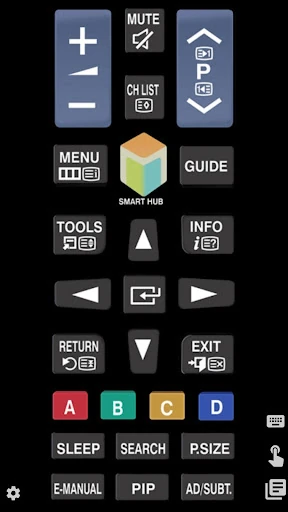
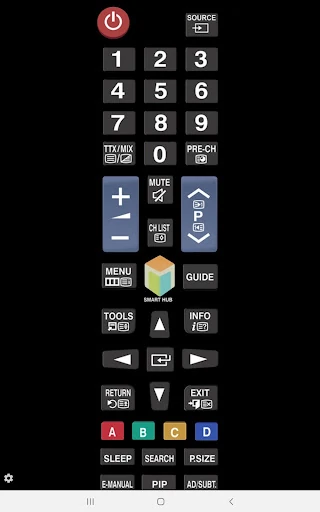
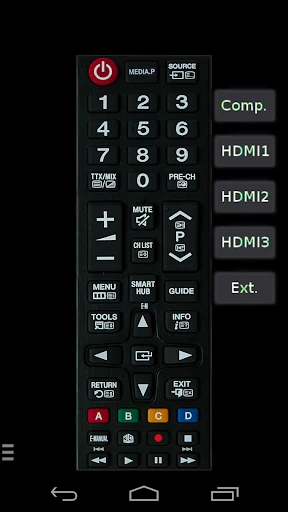
TV (Samsung) Remote Control lets you control a Samsung television from an Android phone or tablet. It suits households that want a backup for a missing remote or dead batteries, and people who would rather use a device already in their hand. The app is made by npe; it is not an official Samsung product.
Two ways to connect
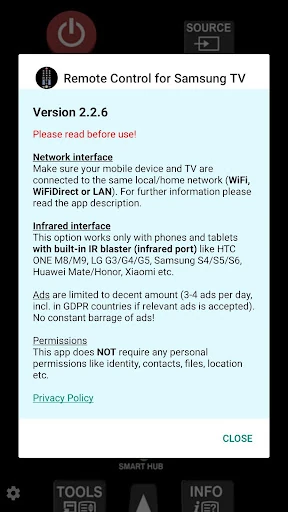
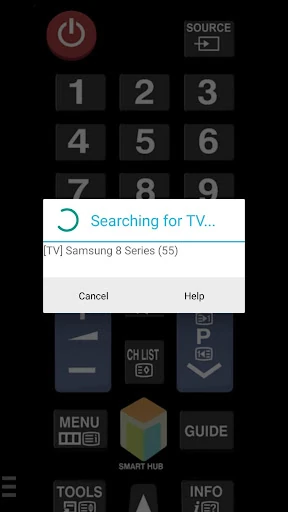
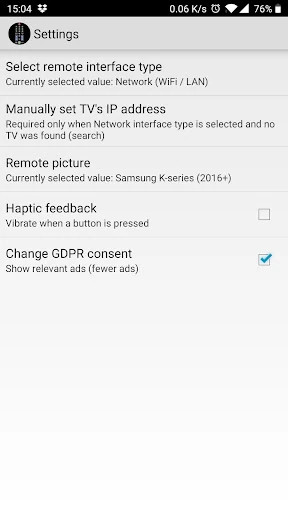
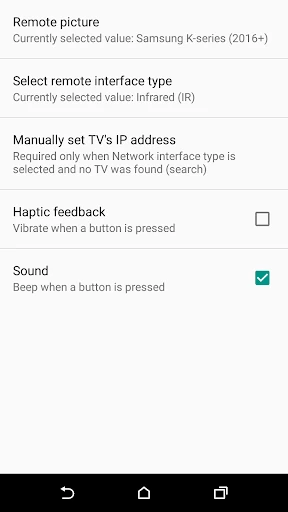
For network control, the phone and TV need to be on the same home network. The app can search for the TV, or you can enter its IP address yourself. The television may ask you to approve the phone as a connected device, so this method depends on the TV allowing that connection.
The other option is infrared. It works only if the phone or tablet has an IR blaster, and you need to point it at the television. That makes it a practical fallback when network control is unavailable, but it is not something every Android device can do.
Know the limits before relying on it
Compatibility depends on both the Samsung TV model and the phone. Some televisions may request a PIN that the app cannot handle. Infrared range is limited, and the phone needs a clear line of sight to the TV. This is best treated as a useful spare remote, not a guaranteed replacement for every Samsung setup.
A sizeable track record
The app has more than 10 million installs and a 4.5-star rating from about 184,000 ratings. Those numbers suggest it has found a lasting use for many owners: a quick control option to reach for when the original remote is not around. Check that your devices support one of its connection methods before depending on it.