Radar first, forecast second
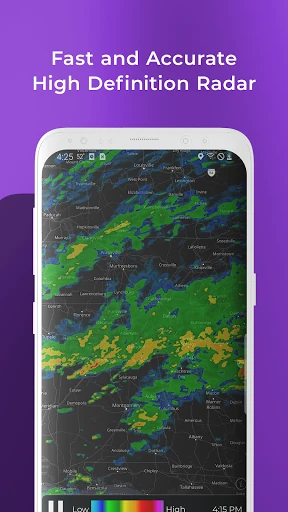
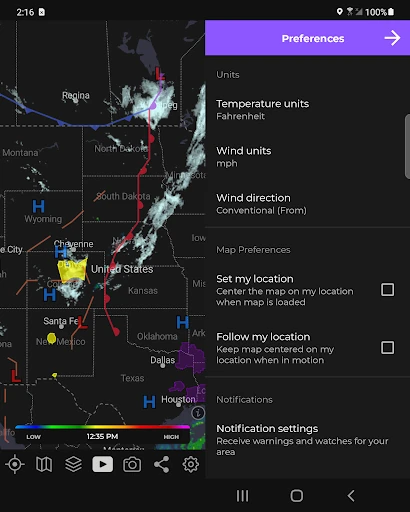
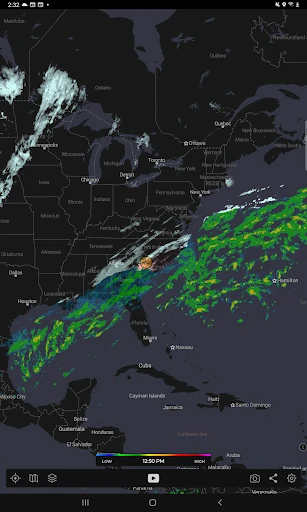
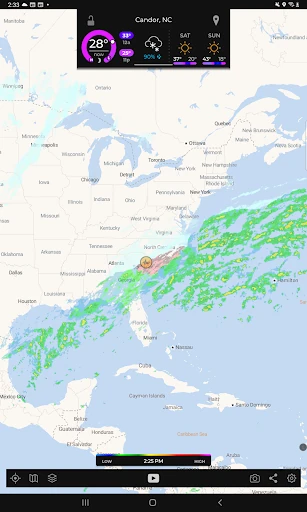
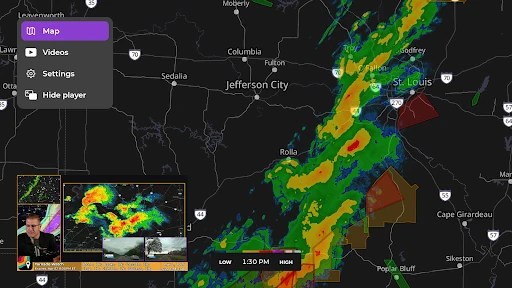
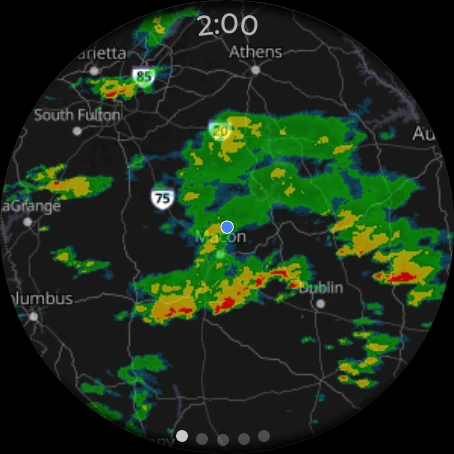
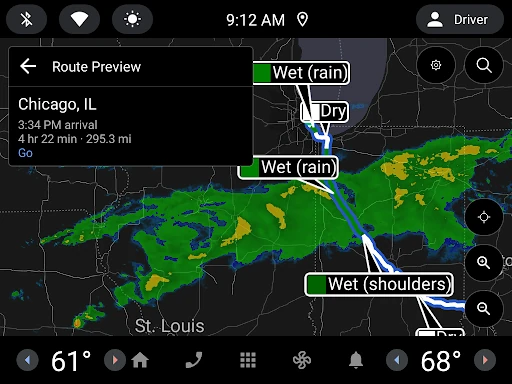
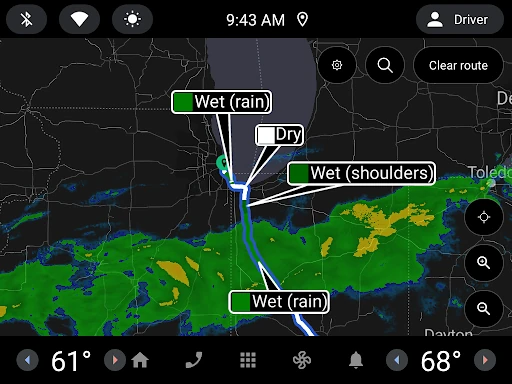
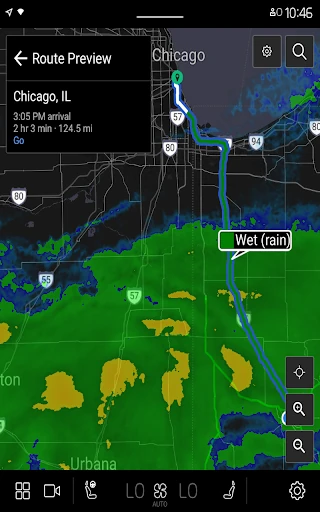
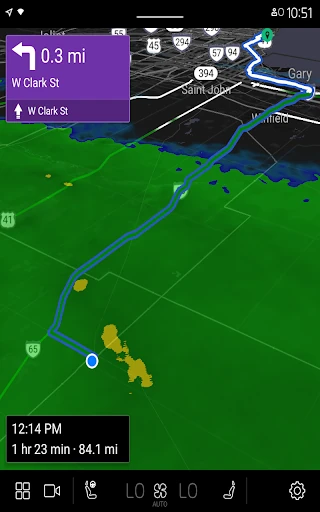
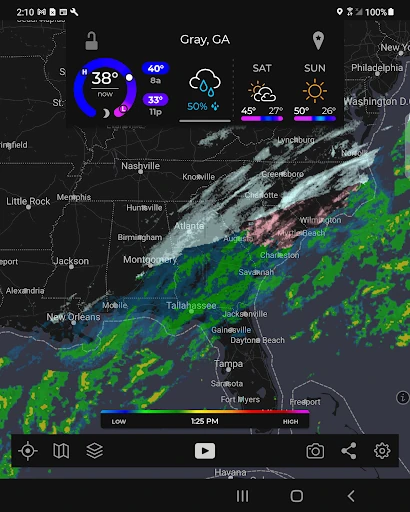
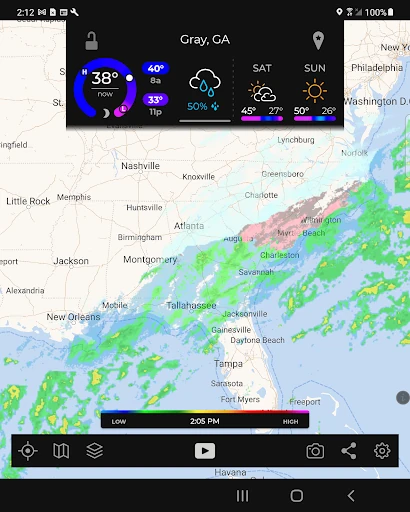
MyRadar Weather Radar puts an animated weather map at the centre of the app, showing radar around your location so you can see where rain and storms are moving. It suits people who want to check approaching weather on a map, rather than rely only on a daily forecast or a brief weather summary.
Useful layers when conditions matter
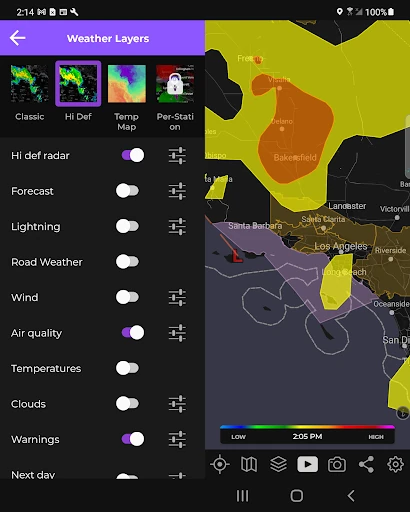
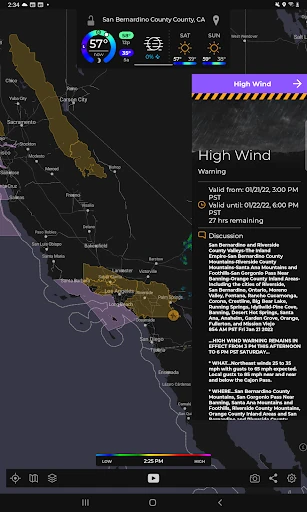
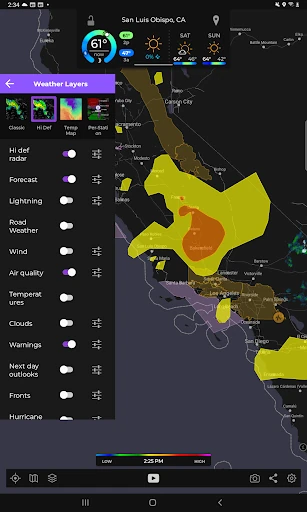
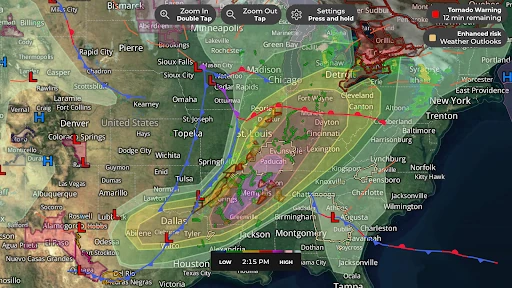
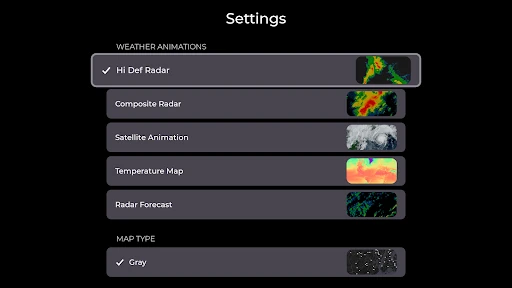
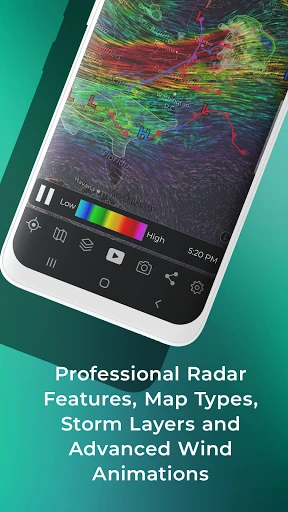
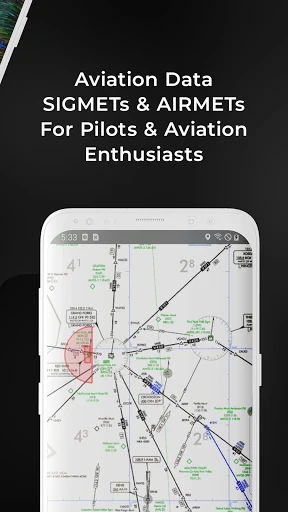
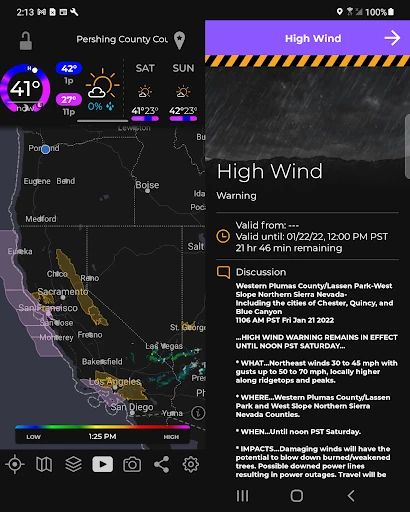
The map can show more than precipitation. Its available layers include information on wildfires and earthquakes, as well as aviation weather such as AIRMETs and SIGMETs. Aviation users can also view IFR flight plans and track aircraft. These options give the app uses beyond checking whether to carry an umbrella, though most people can keep their attention on the basic radar view.
For closer storm analysis, a professional radar package offers individual radar station views, including tilt and wind-velocity data. That level of detail is not necessary for a routine weather check, but it gives weather enthusiasts and aviation users more to examine when a storm is developing.
Why it earns a place on a new phone
Radar is most useful when it is quick to consult. MyRadar opens onto a map rather than making the user begin with a long forecast, and its animated loop helps show movement instead of leaving a single still image to interpret. The result is a practical tool to reach for when deciding whether weather is approaching, or simply checking what is happening nearby.
Established, with a specialist side
ACME AtronOmatic LLC is the developer. MyRadar has a 4.8-star rating from about 325,000 reviews and more than 10 million installs. Those figures point to a well-used weather app, while its mix of everyday radar and technical map layers explains why it can suit both casual checks and more focused weather watching.